
Are you finally looking to gain some financial independence? Setting up a business is a fantastic way to do this, but you’ll need a website. Regardless of what you offer or who your target audience is, you always need a business website to reach online customers. From bloggers to brick and mortar owners, a website draws attention to and legitimizes your business’s presence in the marketplace.
You don’t have to be an HTML or CSS expert. I started this blog in 2018 with zero web design training. (I mean, I was googling and pinterest-ing “How to start a blog!”)
Setting up a website is easy with today’s technology, but creating a genuinely successful site is a lot harder. You need it to be seen by as many of your target audience as possible. This means improving search engine optimization (SEO) and finding ways to appear in search engine results. You also want people to stay on the website when they visit it.
There’s one particular thing to focus on that targets both of these key points: user-friendliness.
A user-friendly website will be optimized for search engines. It also keeps people on your pages for longer. This boosts the chances of gaining customers or receiving calls. With that in mind, here are some crucial features you need when designing a user-friendly business website.

1. Mobile Friendliness
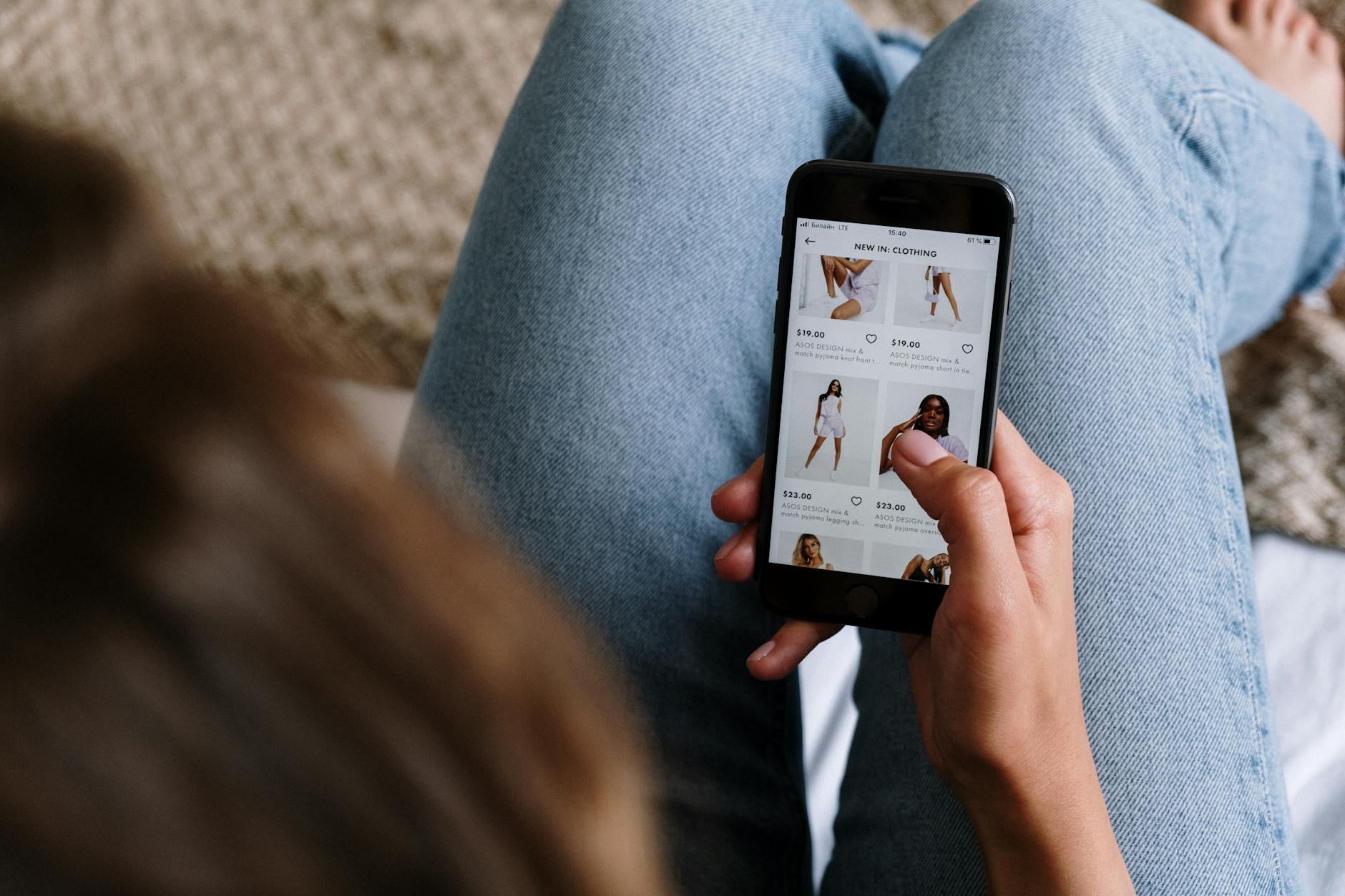
The foremost concern on your mind is making your website mobile-friendly. When 58.67% of all web traffic comes from smartphones and mobile devices, you need your website to cater to this vast audience. It’s even more crucial because non-mobile-friendly websites rarely appear in mobile searches. Google doesn’t find them user-friendly enough.
So, this should be your first task – and it’s easy, thanks to modern website builders. Use a platform like WordPress or Wix to build your site, and it will automatically be ready for mobile devices.
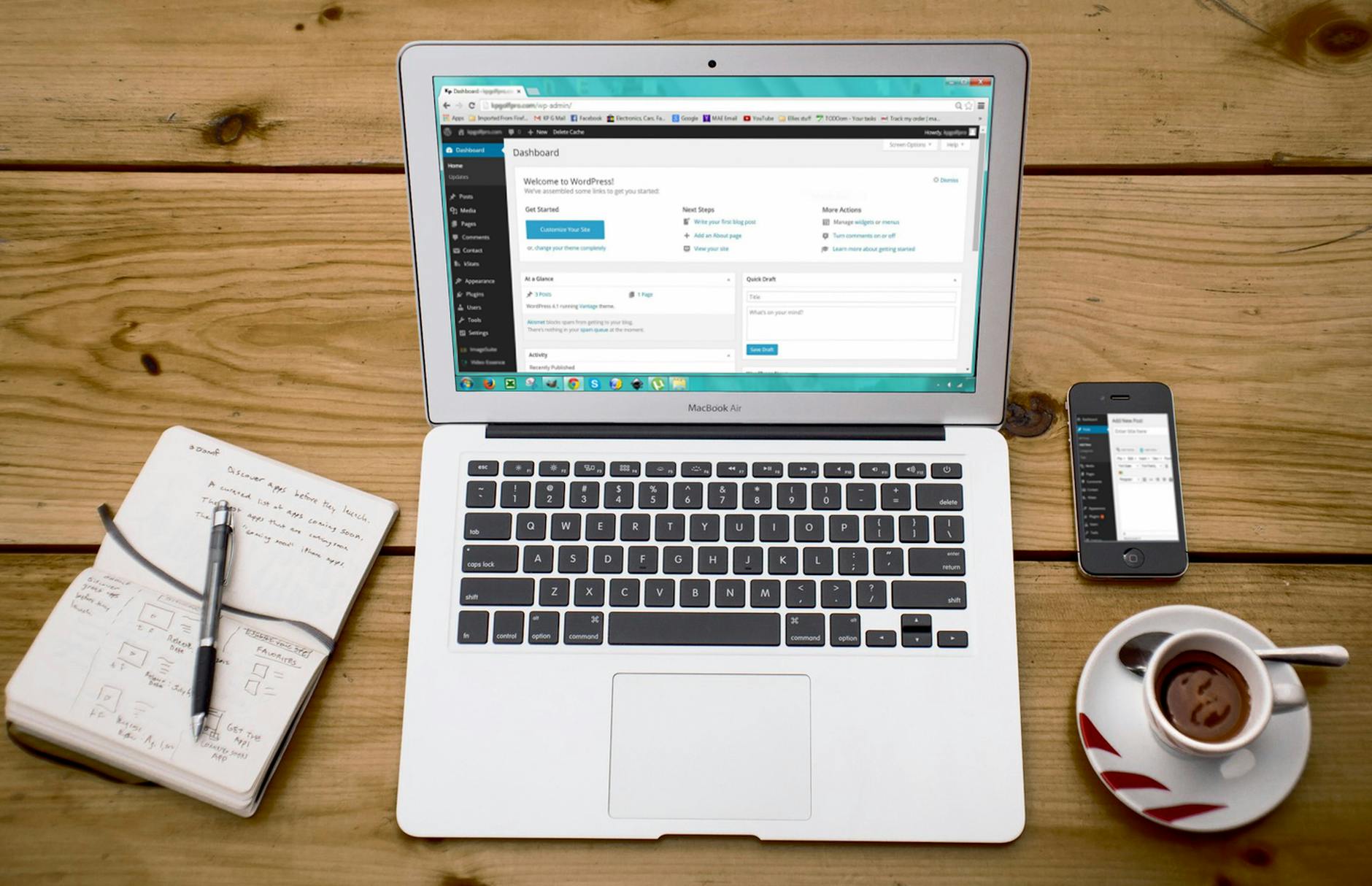
2. Obvious Navigation Features
Websites are terrible when you can’t figure out where anything is. That’s what menus, links, and icons are for. Be sure you have as many of these as possible on your site to keep pages organized for your readers.
Dropdown menus eliminate visual clutter while allowing users to find every page on your site. You should also install a sitemap that shows every page, just in case users are struggling to find what they’re looking for.
Furthermore, there must be logic to your website’s navigation features. It should be easy for a user to go from one place to another in as few clicks as possible. Keeping that in mind, install a search bar at the top of every page.
The search bar should be near the header so it’s always visible and gives users a way to physically search for something. This is great when someone visits your business website with something in mind. They just search and find what they’re looking for. Bad navigation makes your website a pain to use, so you’ll lose anyone who actually visits it!

3. Excellent Customer Support Options
Aside from a “Contact Us” page that displays your main contact information, every business website benefits from the following support options:
- Live AI Chat
- Frequently Asked Questions
Live chatbots are available for anyone to install on their websites, and they provide a clear way to communicate and help users. Modern bots can have long conversations with users, making it feel like they’re talking to a real person. The user can ask any question about your business or the website, and the chatbot will give the answers.
AI assistants can also capture leads when linked with your CRM system. It’s super convenient. The next evolution in chat bot for business websites can help you converse in different languages. It can also provide even faster responses to user queries.
Chat GPT is another AI tool you can use behind the scenes. It helps you create content and earn more from your business website.
Similarly, an FAQ page lets you write down all the common questions someone might have when visiting your website for the first time. Provide detailed answers so customers get all the information they need. Having live chat, as well as an online booking form, will also streamline your site. This is especially the case if you work in the medical or healthcare sector, as it will make your site appear more professional. Be sure to look into ABA practice management software as well to help you manage bookings.
As a result, you’re more likely to keep people on your site for longer. Any questions or worries are addressed by either the FAQs or the live chat. It makes your website easier to understand for every user. Search engines may notice this improvement as well and bump you up the rankings.

4. A Clear Design With Readable Content
A terrible visual design will have your customers running for the digital door. Visitors to your site shouldn’t feel overwhelmed by visual clutter. Your web design should be easy on the eye while making great use of spaces, headings, etc. Everything should be easy to read and create visual interest.
Color choices play a massive role. Avoid using colors that clash with one another and make people want to turn away. Consider those with visual impairment or colorblindness and design high contrast between your text and background. Be especially careful with typography and your website content. It needs to be readable, so avoid yellow font on a white background or anything difficult to see.
This is where website builder platforms are very useful yet again. Most will have themes for you to choose from, as well as different color palettes. The website builders pre-select color palettes that work well together. It’s a simple way to avoid clashes while making your website more user-friendly from a visual perspective.
5. Pages That Load Instantly
You live in a world where people expect websites to load at the touch of a button. There’s research out there that shows even a one-second delay can result in a 7% loss in conversions and 11% fewer page views. Modern internet users don’t want to hang around – they need every page on your website to load instantly.
How slow is too slow? Anything that takes more than 2-3 seconds to load is considered slow by modern standards. Test your website to make sure all of the pages load within this timeframe. If they don’t, then you need to fix the problem and speed everything up. Unfortunately, this might involve getting outside help, as there are many reasons your website can be slow.
Try Googling it and try any solutions you find. If none of them speed your site up, consider hiring a web designer to take a look at it. This is a valuable investment because slow speeds turn people away and prevent your site from being truly user-friendly. It’ll be almost impossible to rank in search engines with a website that takes 4+ seconds to load!
6. Up-To-Date Information On All Your Pages
Is a website user-friendly if it displays incorrect information? No! And people will turn away from your site if they don’t trust it. You need to keep your information as updated as possible so it remains relevant. This includes any blog posts you’ve written, but it also extends to general web copy about your services.
Moreover, you need up-to-date internal links throughout your website. These could be internal links in your content direct people to different pages or affiliate links to external products or advertisers. (You can find examples of both in this blog post!)
Sometimes, these links can break and send people to a page that no longer exists. If this keeps happening, users will immediately be on their way and will never return.
Always keep an eye on your internal links, especially if you’ve updated your website recently. You can use software to check for broken links, so there’s no excuse for you to have any. Fix the problem to keep your website updated with the latest info.

7. Detailed Descriptions Of Your Products/Services
Why are people visiting your website? You’re selling information, products, or services, so they’re here because they’re interested. All of this interest goes out the window if they don’t gain the right information about what you offer. You need pages dedicated to these things, with as much detail as possible for the users.
Create highly detailed descriptions that explain what your product/service is, the main features, etc. For physical products, use photos and videos for an eye-catching display. This makes it even easier for users to see what they’re potentially buying. Doing this will make your website user-friendly because you’re giving people what they’re after. They’ve come to your site with an interest in your offerings, and now they are learning more about them.
Why User-Friendliness Matters for Your Business Website!
Your website needs these seven crucial features to be user-friendly, but why does all of this matter? The main benefits boil down to SEO and lead conversions.
Websites with good SEO will rank well in searches, meaning users are likely to visit them. Search engines only display websites with good user experiences. Adding unique content and the features above will improve your SEO and make your website more visible in search engines. Conversely, a lack of user-friendliness means search engines like Google are less likely to rank your site well.
User-friendly sites have a much better chance of converting leads because users stick around for longer. The more time someone spends on your site, the more inclined they are to purchase something, join your mailing list, etc. It’s virtually impossible to convert leads when users dislike your site.
Overall, you can see the true value of user-friendliness and why it should be the primary focus of your business website. Use the tips and features in this guide to start developing a better website today!

Subscribe
Move beyond your business website and build an empire!
I hope you enjoyed these tips to enhance your business website design! Check out these other articles to grow your business.
- 75+ Side Hustles for Farmers to Boost Income
- Should You Invest in a Commercial Property or Rent?
- 4 Ways to Make Your Business More Accessible
- Master Your Money: How Budgeting Can Transform Your Life
- Six Simple Steps To Stress-Free Real Estate Investing
- The Ultimate Guide to Financial Independence
- How to Handle a Landlord Dispute with Your Tenant
Share this Post on Social Media!
For more inspiration follow my Pinterest Board: Blogging Ideas, Tips, and Tricks.


3 thoughts on “7 Crucial Features You Need For A User-Friendly Business Website”